Website traffic is not the same as business growth. A visitor may read your service page, compare options, and leave without calling or completing a form. That does not automatically mean the traffic was poor. It may mean the website did not answer a key question or make the next step easy.
For local service businesses, the goal is usually a useful conversation: an estimate request, a call about a specific job, or a consultation with a potential customer. The best way to improve inquiries is to examine the entire journey, from the first page view to the moment your team responds.
This guide focuses on practical conversion improvements you can measure. It is different from a general website-building guide: the emphasis here is on diagnosing existing visitor behavior and turning legitimate interest into completed contact requests.
1. Define What Counts as a Qualified Inquiry
Before changing buttons or headlines, decide what an inquiry means. A completed contact form is not necessarily a qualified opportunity. A wrong-number call, job application, or request for a service outside your coverage area should be categorized separately.
Agree on a simple definition with the people who answer calls and emails. Record the service requested, service area, contact method, and whether the business could reasonably help. This makes it possible to distinguish a marketing problem from a lead-handling problem.
2. Check the Promise on Your First Screen
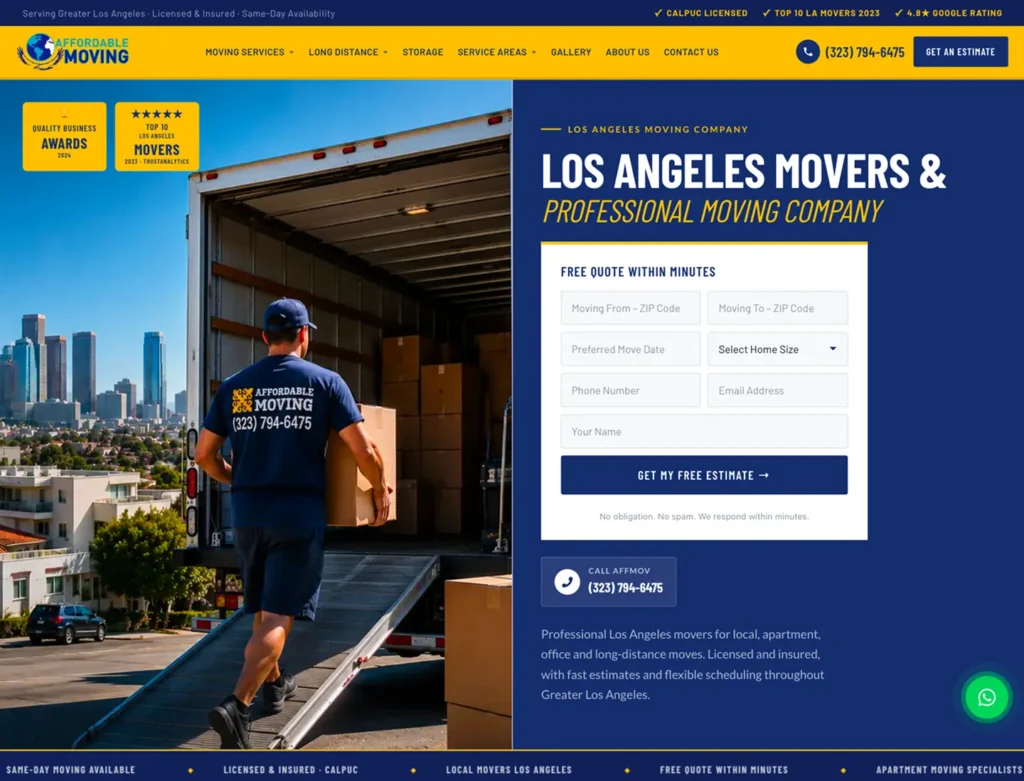
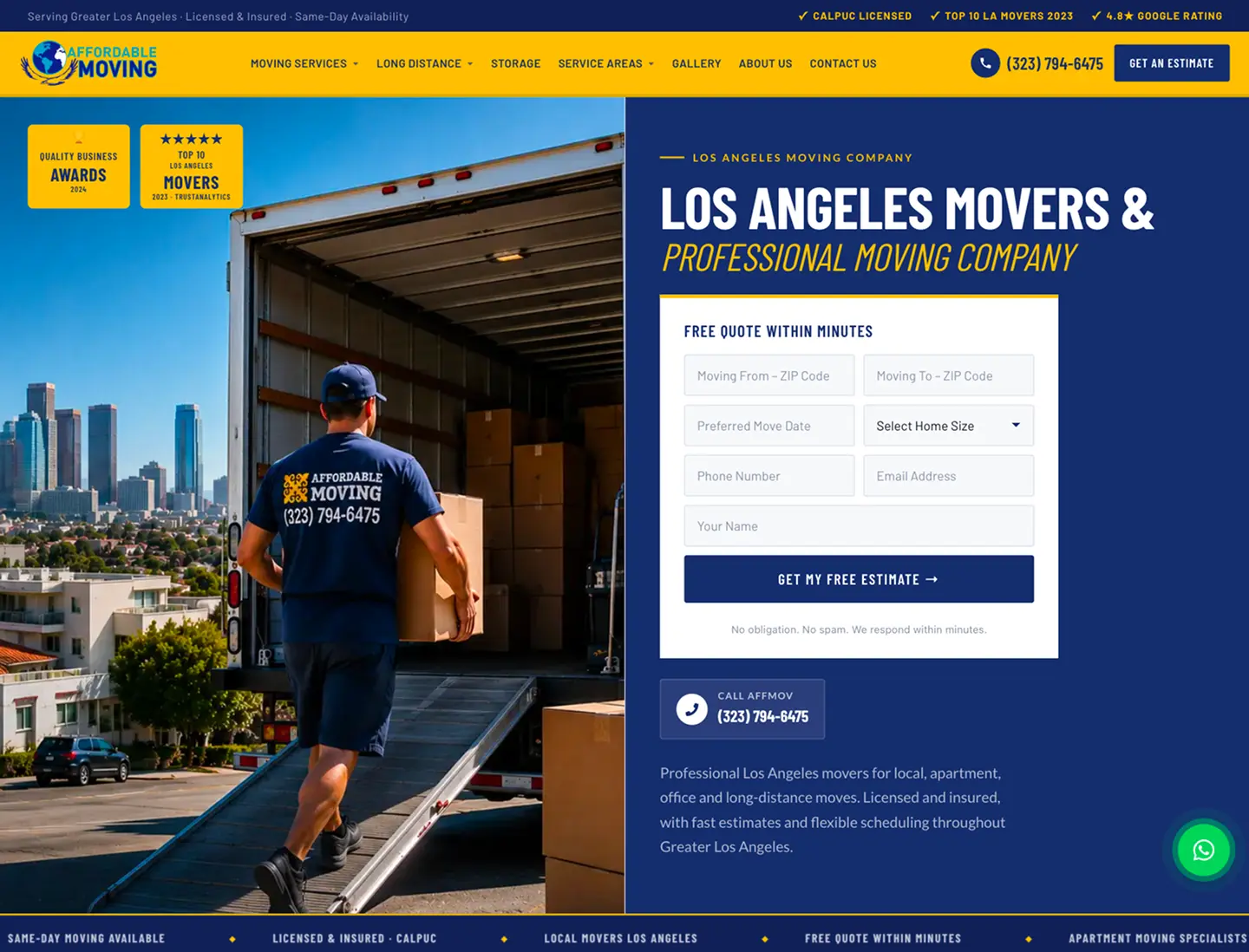
The top of a landing page should tell visitors what the business does, who it helps, and where it works. Avoid headlines that could describe any company. A moving company, for example, should not make visitors search through several paragraphs to learn whether it handles local moves.
Use one primary next step, such as Request an Estimate or Call Our Team. The wording should match what happens next. If a form only requests a callback, do not label the button Book Now.
3. Match Each Service Page to Customer Intent
People who search for a particular service expect a page about that service. A generic homepage may force them to work too hard to find details. Review the pages receiving visitors from organic search and advertising, then check whether each page clearly answers the relevant questions.
Useful details can include the service process, genuine service areas, common limitations, relevant photographs, and how to request help. Keep navigation simple and link related services where doing so genuinely helps visitors.
4. Remove Friction From Forms
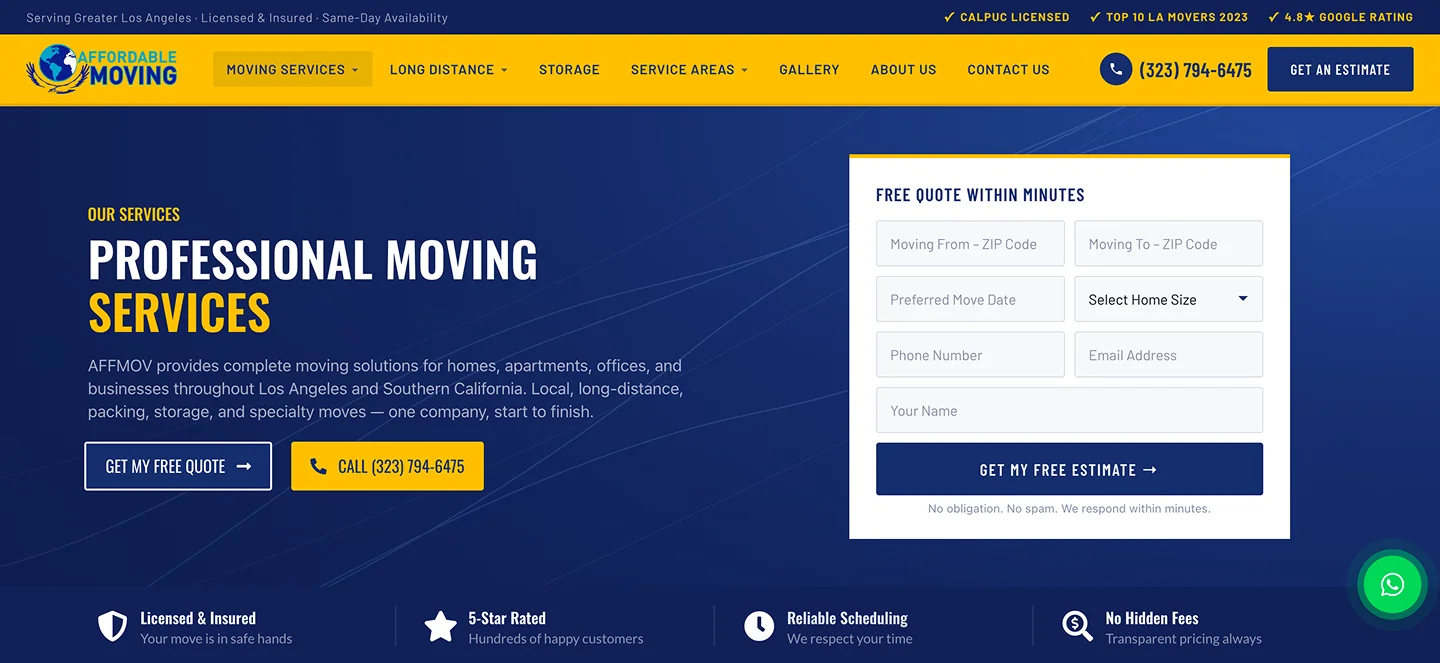
Long forms can discourage visitors who only want an initial conversation. Ask for the minimum information needed to respond: usually a name, reliable contact method, and a short description of the request. More complex projects may need additional details, but each required field should have a purpose.
Test required-field messages, keyboard navigation, mobile input types, spam protection, and the success state. A form that looks attractive but never reaches the business is a conversion failure, not a design success.
5. Make Calling Easy on Mobile
For many service companies, a phone call is the fastest route to a customer conversation. Use a visible click-to-call link with the correct number. Check that it works on actual mobile devices and that the team is prepared to answer during advertised business hours.
Do not assume that every tap on a phone button resulted in a completed call. A click event can be useful, but it is not equivalent to an answered conversation or booked job.
6. Show Evidence Without Inventing It
Visitors often look for reasons to trust a company. Real project photographs, accurate service descriptions, a consistent business name, and permission-approved testimonials can help them evaluate the business.
Avoid invented customer quotes, fabricated rankings, or unsupported claims about how many projects were completed. If you have a relevant case study, show what work was actually done and link to the full example.
7. Explain What Happens After Contact
A customer may hesitate if the next step is unclear. Tell them whether the team will call, email, or review their request, and avoid promising response times you cannot consistently meet.
The confirmation message should acknowledge the request without implying the service is booked. If the request arrives outside business hours, provide accurate expectations. Clear communication can reduce repeated submissions and missed follow-ups.
8. Measure Completed Actions, Not Just Clicks
Use analytics to understand which pages lead to completed form submissions and other meaningful actions. Verify tracking in a controlled test: submit the form, confirm receipt in the inbox or CRM, and check that the conversion is recorded once.
Separate phone-button clicks from actual calls and distinguish all inquiries from qualified leads. Review data over comparable periods. A small change in conversion rate may reflect traffic mix or seasonality rather than a particular design edit.
9. Review Lead Handling With the Team
A website can produce inquiries that never become customers because messages are missed or calls go unanswered. Compare form submissions and call records with the business intake log. Look for gaps in delivery, ownership, and follow-up.
Assign responsibility for each inquiry source. When an automated acknowledgement is used, it should not pretend a person has reviewed the request. For sensitive customer details, follow applicable privacy requirements and limit unnecessary data collection.
10. Improve One Bottleneck at a Time
Start with obvious failures: broken forms, incorrect phone numbers, hidden CTAs, and mobile layout problems. Then prioritize pages with meaningful traffic and a clear service offer. Change one major element at a time where practical, and document what you changed.
A useful test might compare a vague button label with a specific estimate request or move a contact option closer to service details. Evaluate actual inquiries and lead quality, not only the number of clicks on the new button.
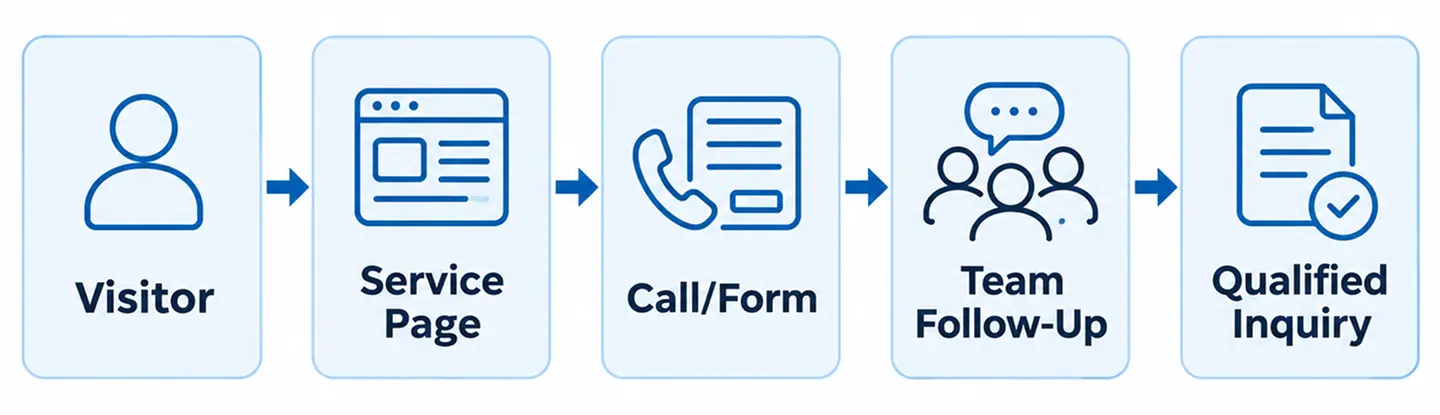
A Simple 30-Day Improvement Plan
Week 1: test your highest-traffic pages, contact forms, phone links, and lead delivery. Record the baseline number of completed and qualified inquiries.
Week 2: improve the clarity of your primary service pages and remove unnecessary form friction. Add authentic visual evidence where it is missing.
Week 3: verify analytics events, review missed calls and response processes, and fix any attribution gaps. Week 4: compare results with the baseline, document changes, and choose the next improvement. Do not treat a short test as proof of guaranteed future growth.
Frequently Asked Questions
What is a good website conversion rate?
There is no universal target. Results vary by service, traffic source, location, and how a conversion is defined. Track your own qualified inquiries consistently before comparing percentages.
Should I shorten my contact form?
Often, but not automatically. Keep fields that help your team respond effectively and remove those that create unnecessary friction. Test the full submission process.
Do I need a new website to get more inquiries?
Not always. Fixing forms, clarifying service pages, and improving mobile contact options may help without a full redesign. Structural problems across many pages may justify broader work.
How do I know which marketing channel brings leads?
Use consistent source tracking where appropriate, verified form events, call records, and a reliable intake process. Avoid attributing a lead to a channel based on a single unverified signal.
Turn Visitor Interest Into a Real Conversation
The strongest improvements often come from practical details: a clear offer, a trustworthy service page, a working contact method, and a team ready to respond. These foundations support both organic search and paid advertising.
Nabali Development helps US service businesses improve website conversion paths, tracking, and digital marketing foundations. If your site receives visitors but few useful inquiries, start with a preliminary website review.
Get a Free Website Audit