A business website should do more than look polished. It should help the right visitors understand your services, feel confident about contacting you, and complete an inquiry without unnecessary friction.
For a local service company, a lead might be a phone call, estimate request, consultation booking, or completed contact form. The goal is not to persuade every visitor to contact you. It is to make the next step clear for people who genuinely need your services.
Here is a practical framework for planning a website around qualified inquiries, from the first headline to the confirmation message after a form submission.
1. Define What Counts as a Qualified Lead
Before changing the website, define the action that matters. A moving company might prioritize requests that include the moving date and locations. A contractor may need the service type and project location. A professional services firm may prefer consultation requests with a short description of the need.
Distinguish a completed form from a useful inquiry. The website should collect enough information for an appropriate follow-up without demanding so many details that visitors abandon the form.
Agree internally on who receives leads, how quickly someone should respond, and what information is needed to evaluate a request. Those decisions shape the form and the page content.
2. Make the First Screen Immediately Clear
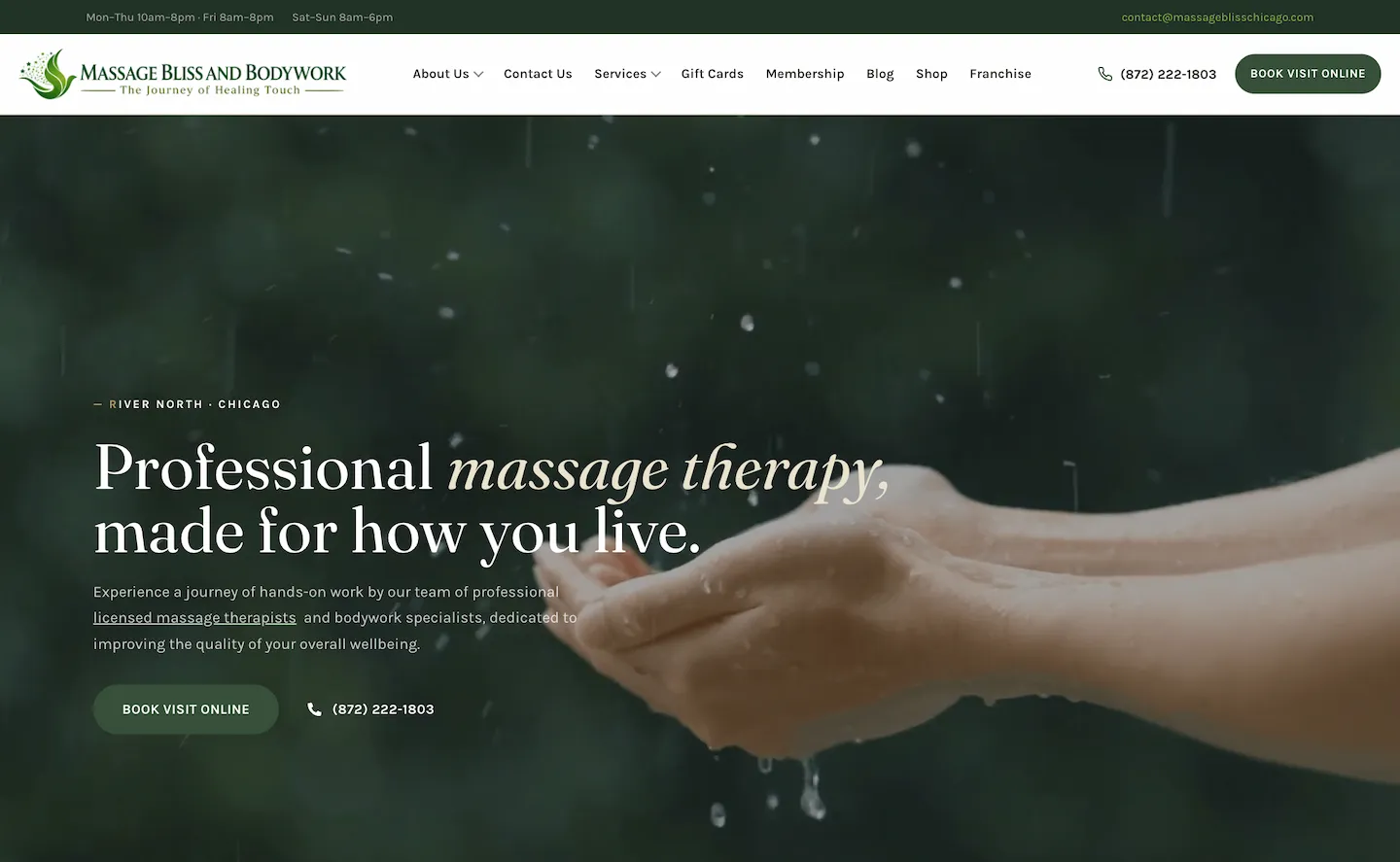
Your hero section should answer three questions: What do you do? Who do you serve? What should I do next?
Replace generic language with a specific description of your service and audience. A local business should also communicate its genuine service area where relevant. Use one primary call to action, such as “Request an Estimate,” and one secondary action only when it helps visitors explore further.
Avoid crowding the first screen with animated badges, competing offers, or unsupported claims. A relevant photograph or authentic project image can reinforce the message without overwhelming it.
3. Give Each Important Service a Useful Page
People who arrive from search or advertising often have a specific need. A page about dryer vent cleaning should explain that service directly rather than requiring visitors to navigate a generic list of unrelated offerings.
A strong service page explains what is included, who it is for, what area the business serves, common questions, and how to request help. Use descriptive headings and natural language. Include genuine photographs or examples where possible.
For businesses serving multiple locations, describe real service coverage accurately. Avoid publishing dozens of near-identical city pages that offer no meaningful local information.
4. Put Trust Signals Near Decisions
Visitors want to know whether your business is credible. Useful trust signals can include genuine project photographs, clearly attributed reviews used with permission, relevant licenses where applicable, team information, and accurate business contact details.
Do not fill the page with anonymous testimonials or invented numbers. A short explanation of your process, a real project example, or a clear answer to a common concern can be more persuasive than an unsupported claim.
Place evidence close to the point where a visitor is deciding whether to contact you: beside a service explanation, near a form, or within a relevant case study.
5. Design Contact Forms for Completion and Follow-Up
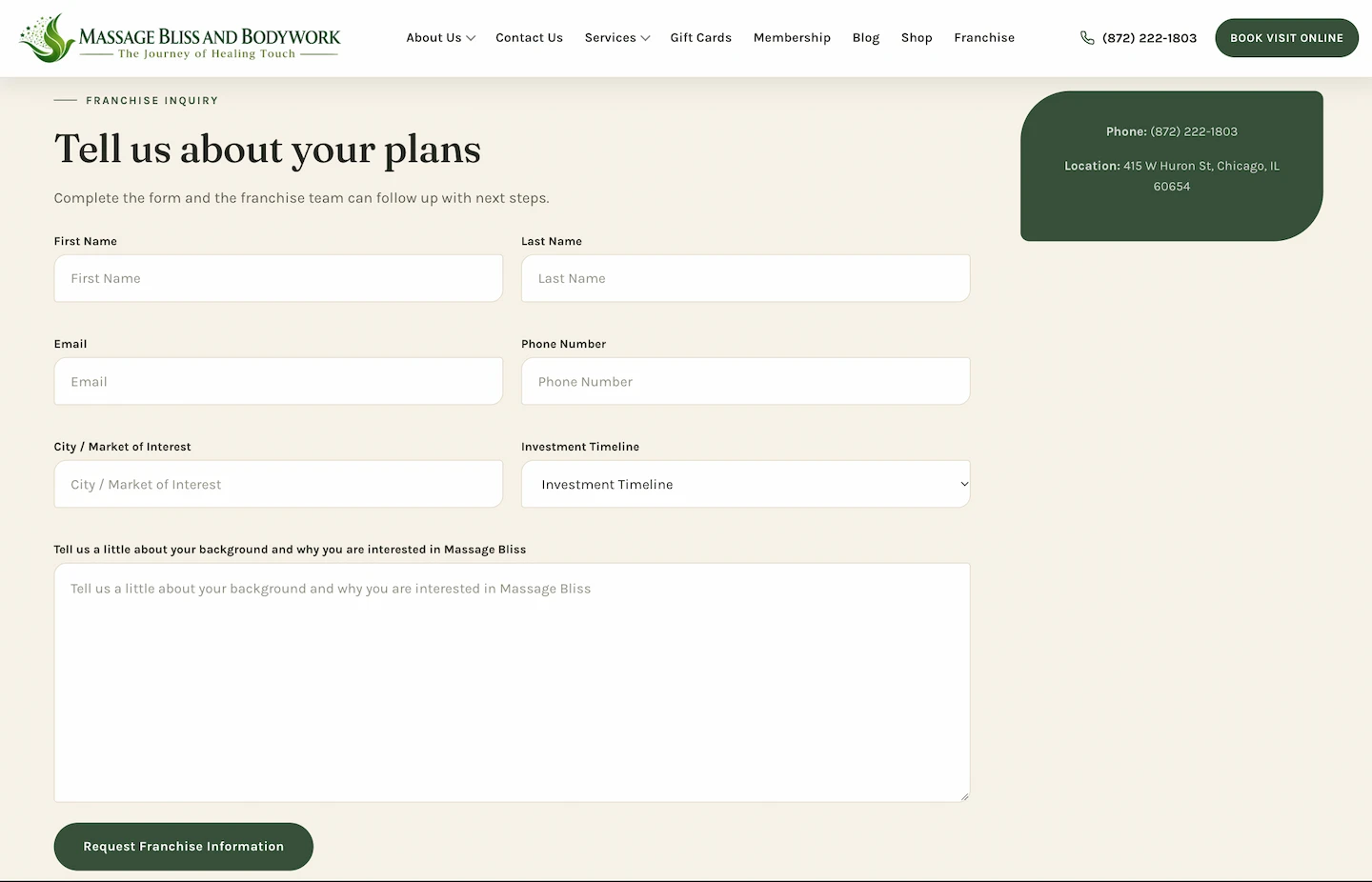
Ask only for information that helps your team respond. Name, a reliable contact method, service type, and a short description may be sufficient for many businesses. Add fields such as service location or preferred date when they materially improve qualification.
Use readable labels, clear required-field indicators, accessible error messages, and a confirmation state that explains what happens next. Phone numbers should be tap-to-call on mobile.
Form design is only half the job. Test that submissions reach the intended inbox or CRM, spam protection does not block legitimate customers, and errors are logged or surfaced appropriately. A form that appears successful but delivers nothing is a serious conversion problem.
6. Make Mobile Calls and Navigation Effortless
On a phone, visitors may be ready to call rather than type. Make the phone link easy to find, keep the menu understandable, and ensure forms work with mobile keyboards.
Test the entire journey on a real device: open a service page, locate the call to action, complete the form, and confirm the result. Look for overlapping elements, horizontal scrolling, slow-loading imagery, and buttons that are difficult to tap.
Mobile usability is not a separate finishing step. It is part of the website’s primary customer experience.
7. Improve Speed Without Sacrificing Clarity
Large photographs, excessive scripts, and complex motion can make a website slower than necessary. Compress images, use suitable formats, limit unnecessary third-party scripts, and test important pages under realistic conditions.
Use tools such as PageSpeed Insights as diagnostic inputs rather than treating a single score as the business goal. Focus on the pages visitors use to understand services and submit inquiries.
Animations should not hide important content when a script fails or a visitor prefers reduced motion. Essential buttons and forms must remain available.
8. Match Marketing Traffic to the Right Page
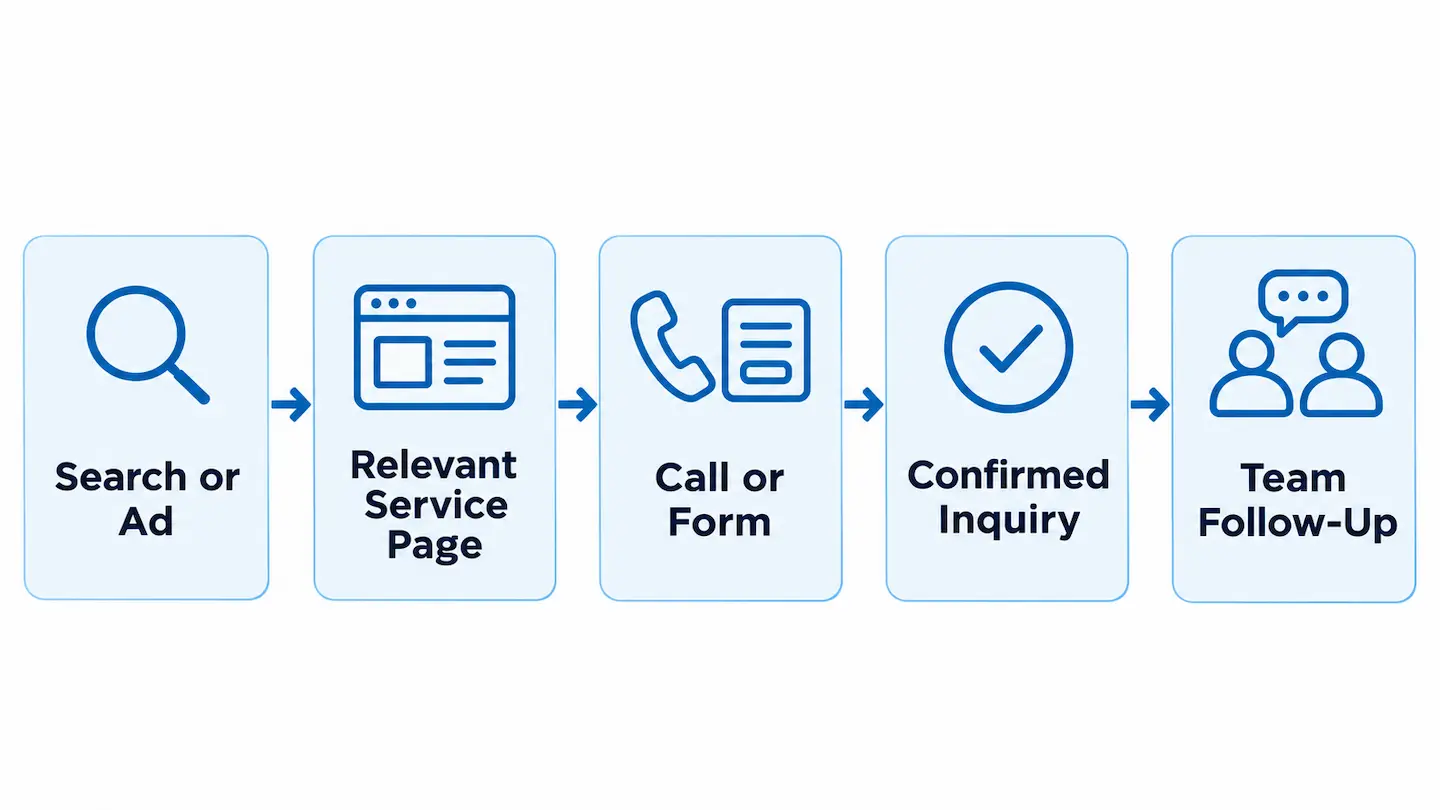
A visitor clicking an advertisement for a specific service should land on a page that addresses that service. Sending every campaign to the homepage can create extra steps and confusion.
Organic service pages and focused advertising landing pages can serve different needs. Both should make accurate claims, provide a clear next step, and avoid distracting navigation or content that conflicts with the visitor’s intent.
When building campaign pages, plan how form submissions and phone calls will be attributed so that the business can evaluate which channels generate useful inquiries.
9. Track Leads Carefully—and Check the Data
Useful measurement starts with defining conversion events: a confirmed form submission, a qualified phone call, or another meaningful action. Avoid counting a button click as a completed lead when the form has not been submitted.
Configure analytics and tag management with attention to consent requirements, duplicate events, and the handoff between landing pages and confirmation pages. Preserve campaign information where appropriate.
Compare website data with actual inquiries received. If analytics reports conversions but the team receives no messages, investigate delivery and tracking before making marketing decisions.
10. Improve the Website Through Real Feedback
After launch, review which pages attract relevant visitors, which forms produce useful inquiries, and where customers report confusion. Ask your team what information is missing from incoming requests.
Prioritize changes that solve clear problems. That might mean rewriting a headline, simplifying a form, improving a service page, or fixing a technical issue—not necessarily redesigning the entire site.
Use a repeatable process: identify the issue, make one meaningful change, test it, and review the outcome. Do not claim a conversion improvement without a reliable comparison.
A Practical Lead-Generation Website Checklist
Before publishing, confirm that the homepage explains the offer; important services have useful pages; contact details are accurate; mobile buttons work; forms deliver to the intended recipient; success messages are clear; and analytics records meaningful actions once.
Also check the technical foundations: page titles, logical headings, internal links, accessible controls, image optimization, and indexability. If you are replacing an existing website, preserve valuable URLs and plan any necessary redirects.
The best website is not necessarily the one with the most features. It is the one that helps the right customer take the right action reliably.
Frequently Asked Questions
What is a lead-generating website?
It is a website designed to help relevant visitors take a meaningful action, such as calling, requesting an estimate, or submitting a consultation inquiry.
Should every page have a contact form?
Not necessarily. Every important page should offer a clear next step, but the right action may be a phone link, a short form, or a link to a dedicated contact page.
How can I tell whether my website forms work?
Submit a controlled test inquiry, verify that it arrives in the correct inbox or CRM, check the success state, and confirm that analytics does not record duplicate leads.
Do I need to redesign my entire website to get more leads?
No. Many issues can be addressed through targeted changes to messaging, forms, page structure, speed, or tracking. A broader redesign makes sense when the underlying structure prevents those improvements.
Build a Website Around Real Customer Inquiries
Clear content, useful service pages, trustworthy proof, reliable forms, and accurate measurement work together. Each part of the website should help customers understand your business and make contacting you straightforward.
Nabali Development helps US businesses plan and improve websites alongside SEO and digital marketing. If your website is not producing the inquiries you need, start with a preliminary review of its content, functionality, and lead journey.
Get a Free Website Audit