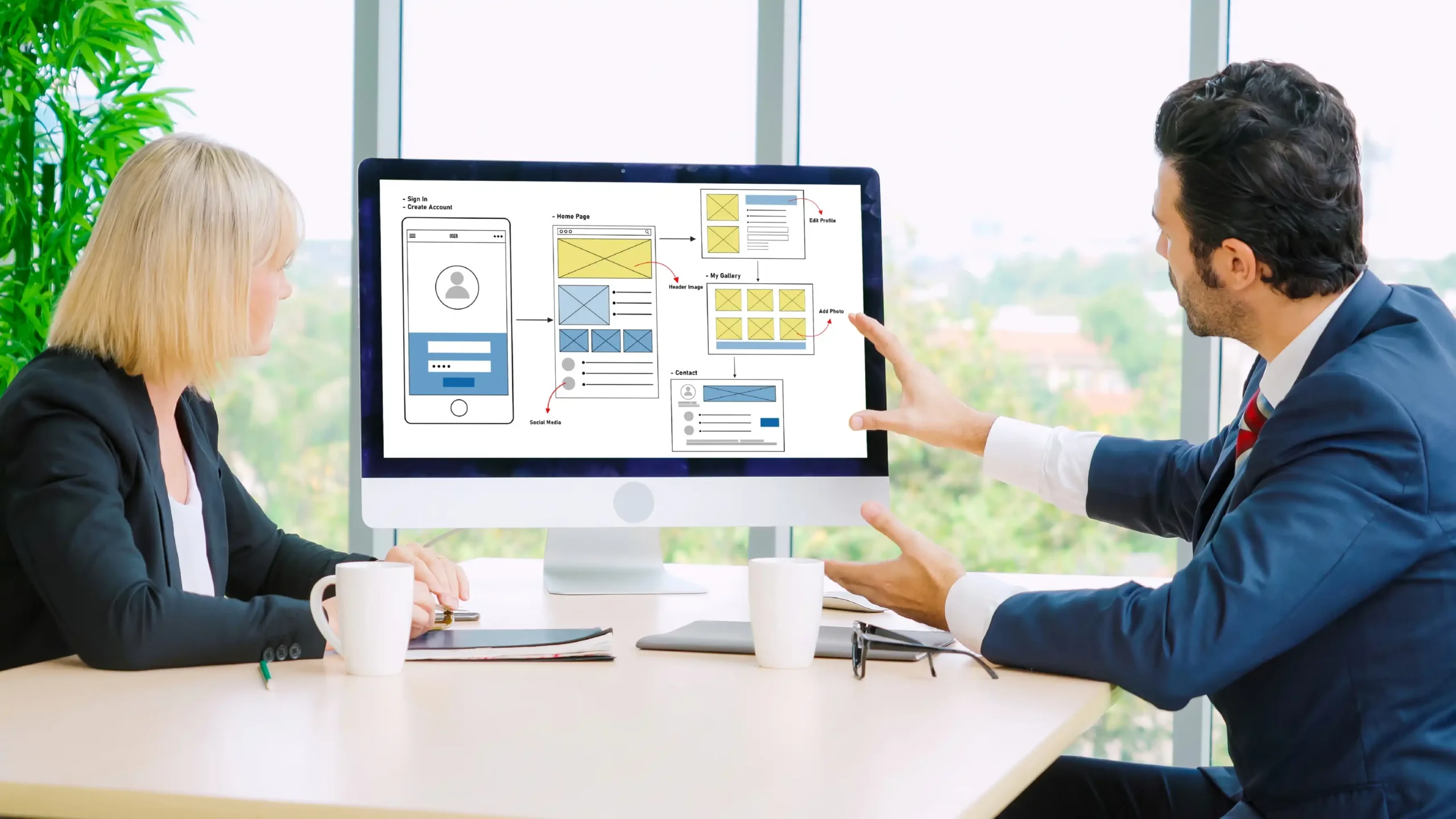
Your website may be the first place a potential customer encounters your business. If it is difficult to use, unclear about your services, or unreliable when someone tries to contact you, the problem can affect more than appearance.
A redesign is not always the answer. Sometimes a focused repair, clearer copy, or a better contact form can solve the issue. The key is to identify what is holding visitors back before committing to a complete rebuild.
Here are ten practical signs to look for, followed by a framework for deciding whether to improve your current site or plan a redesign.
1. Your Website Is Hard to Use on a Phone
Customers often visit local business websites from their phones while comparing options or looking for a phone number. If text is tiny, buttons are difficult to tap, or a form requires horizontal scrolling, the experience creates unnecessary friction.
Check your main pages on a real phone. Can visitors understand your services, find the contact button, and submit an inquiry without zooming or fighting the layout? If not, mobile usability deserves attention.
A redesign may be appropriate when the underlying layout cannot adapt cleanly across screen sizes. If only one component is broken, a targeted fix could be enough.
2. Visitors Cannot Quickly Understand What You Offer
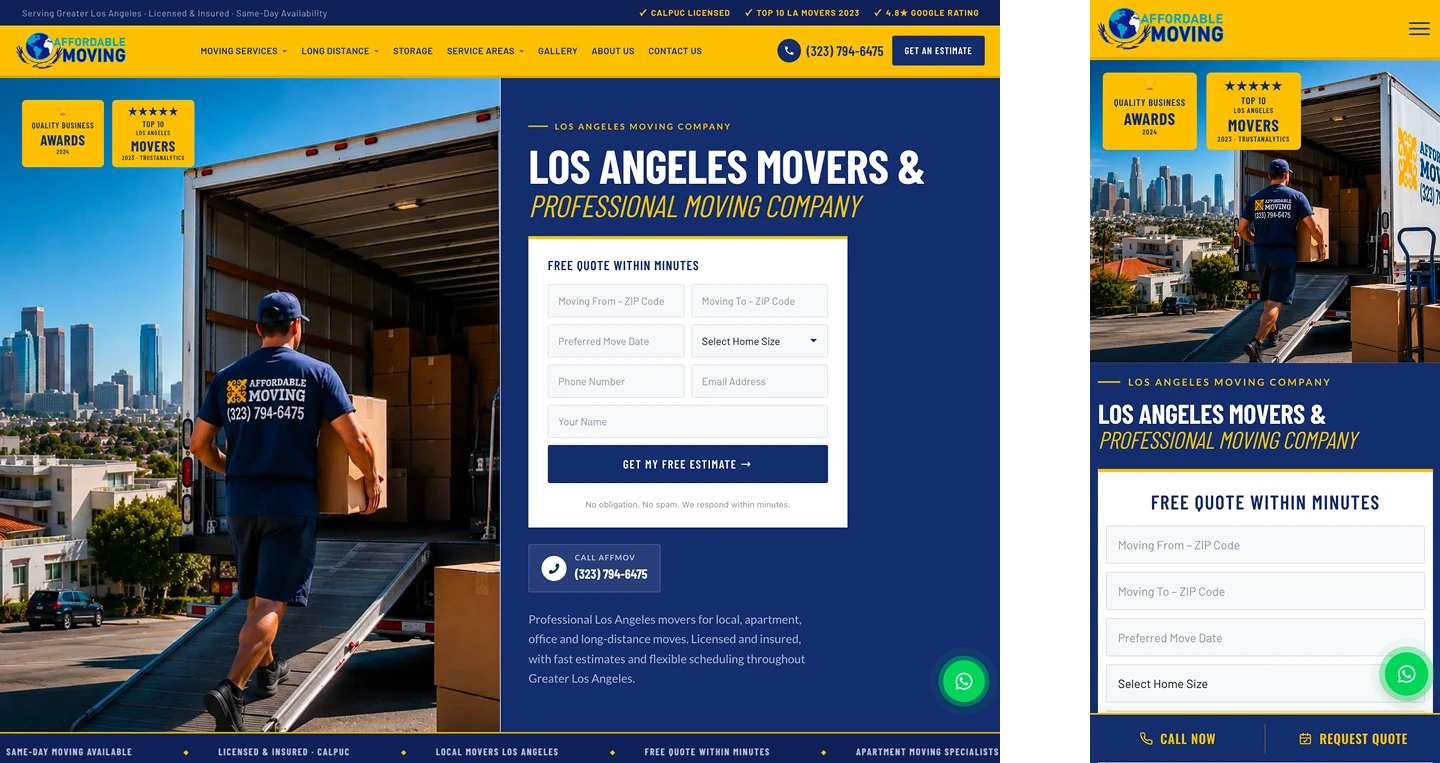
A homepage should explain who you serve, what you do, and what a visitor should do next. Vague slogans and generic claims make people work too hard to understand the offer.
Look at your homepage for five seconds, then ask someone unfamiliar with your company to describe the business. If they cannot identify your main services and service area, the messaging needs improvement.
Often, clearer headlines and service navigation can help without a full rebuild. But if the entire site is organized around outdated positioning, a broader redesign may be worthwhile.
3. Important Contact Buttons or Forms Do Not Work
A broken form can quietly prevent leads from reaching your team. Buttons may point to the wrong page, email notifications may fail, or a successful-looking submission may never arrive.
Test the complete inquiry journey: open the form, enter valid information, submit it, verify receipt, and confirm that the visitor sees the correct success message. Test phone links on mobile as well.
If these problems are isolated, fix them immediately. If the website has many unreliable integrations, consider whether the platform and form architecture need rebuilding.
4. Your Website Feels Slow or Unstable
Heavy images, unnecessary scripts, poor hosting, and complicated themes can make pages feel sluggish. Layout elements that jump while loading can also make buttons frustrating to use.
Use a combination of real-device testing and performance tools to identify what is actually slow. Avoid judging a site by a single score without understanding the underlying issue.
Optimization may be enough when the site has a healthy structure. A redesign becomes more compelling if the existing theme or page builder setup makes meaningful improvements difficult.

5. Your Service Pages Are Too Generic
A single paragraph listing every service rarely answers the questions customers have. A roofing company, cleaning service, or moving company may need separate, useful pages for its major offerings.
Good service pages explain what the service includes, who it is for, how the process works, and how to request help. They should also reflect genuine service areas without producing dozens of near-identical location pages.
If your website cannot support clear service-page architecture, the redesign should address content structure as well as visual design.
6. The Design No Longer Reflects Your Business
Businesses evolve. You may now serve different customers, offer new services, or compete in a more demanding market than when the website was built.
An older design is not automatically bad. The issue is whether its imagery, typography, navigation, and language accurately represent the company today.
Before redesigning, document what has changed in your positioning. That helps ensure the new site is more than a cosmetic refresh.
7. Updating Content Is Difficult
If adding a service, replacing a photograph, or correcting business hours requires a developer every time, the site may be creating avoidable operational work.
A practical content-management setup lets authorized team members handle routine updates while protecting layouts and important settings.
Sometimes permissions or training solve the problem. In other cases, outdated templates, custom code, or an inflexible editing system justify rebuilding parts of the site.
8. Your Website Has Technical SEO Problems
Missing or duplicate page titles, confusing navigation, broken internal links, and incorrect canonical settings can make a site harder for search engines and visitors to understand.
Start with a crawl, review the indexable pages, and compare the site’s structure with the services you actually offer. A redesign should preserve valuable existing URLs and plan redirects carefully when URLs must change.
Do not treat a redesign as an automatic SEO improvement. A poorly managed migration can remove useful content or disrupt search visibility.
9. You Cannot Tell Which Pages Generate Inquiries
Without reliable measurement, it is difficult to know whether visitors are contacting your business or where they lose interest. Tracking can include form submissions, meaningful phone interactions, and other agreed conversion actions.
Check that analytics and conversion events reflect real actions and do not count the same lead repeatedly. Privacy requirements and consent settings should be part of the implementation plan.
A redesign offers a good opportunity to improve measurement, but analytics can often be repaired on an existing website too.
10. The Site No Longer Supports Your Growth Plans
Perhaps you are expanding to additional genuine service areas, introducing online booking, launching e-commerce, or connecting a CRM. A site built for a simpler business may not support those requirements gracefully.
List the new capabilities and assess the cost, risk, and maintainability of adding them to the current platform. The right decision depends on the actual constraints, not on whether a new design would look more exciting.
A redesign is most valuable when it solves a business limitation and gives your team a more useful foundation for future work.
Should You Repair, Refresh, or Redesign?
Choose a targeted repair when a few specific problems are causing friction: a broken form, a slow image, a confusing button, or an outdated service description.
Consider a visual refresh when the structure and platform work well but the presentation no longer fits your brand. This may involve typography, imagery, spacing, and updated copy.
Consider a fuller redesign when problems are systemic: the mobile layout is difficult to maintain, the information architecture no longer fits the business, important integrations are unreliable, or the platform cannot support planned features.
Whatever the approach, document your current URLs, analytics, content, forms, and key conversion paths before changing anything.
A Practical Website Redesign Checklist
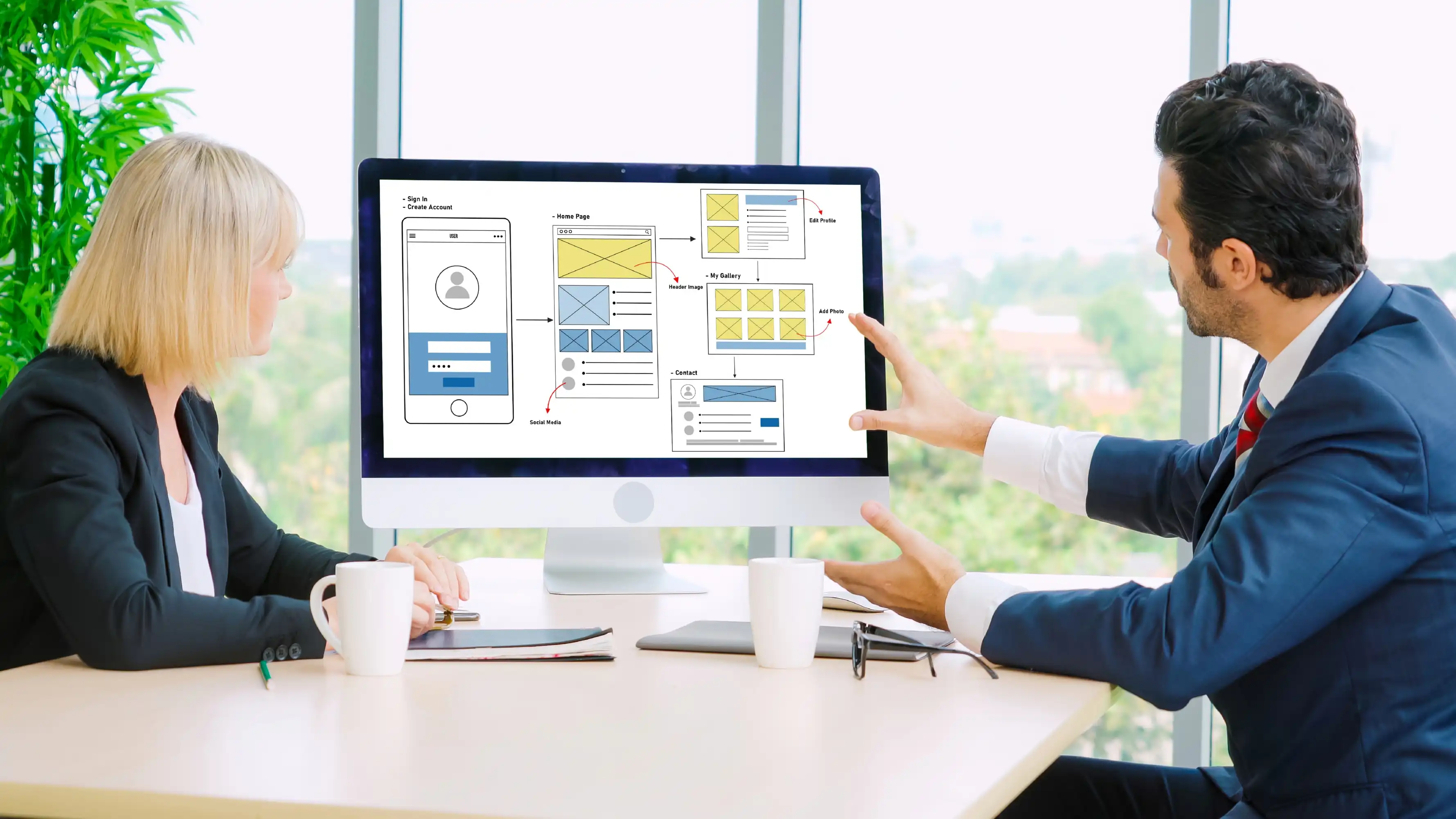
Start by identifying your highest-priority services and audiences. Review real visitor questions, existing inquiries, and the pages that currently attract useful traffic.
Next, create a page inventory and mark what should be kept, improved, combined, or retired. Preserve useful content and plan any necessary redirects before launch.
Finally, test the new site on mobile and desktop, verify every form end to end, confirm analytics events, review accessibility, and check search-engine settings. A polished preview is not a substitute for functional testing.
Frequently Asked Questions
How often should a business redesign its website?
There is no universal schedule. Review the site when business goals, customer needs, technology, or performance issues change. A well-maintained website can remain useful for years without a complete redesign.
Can a website redesign hurt SEO?
Yes, especially if valuable pages disappear, URLs change without appropriate redirects, or indexability settings are incorrect. A careful content and URL migration plan reduces avoidable risk.
Do I need a new website if my current site is slow?
Not necessarily. Performance problems may be fixable through image optimization, caching, script cleanup, or hosting changes. Investigate the cause before deciding to rebuild.
What should I prepare before requesting a redesign?
Bring your current website URL, main business goals, service list, examples of sites you like, known problems, and any required features or integrations. A partner can help turn these into a practical scope.
Make Your Website Easier for Customers to Use
A website redesign should make it easier for people to understand your business and take action. Start with the problems you can verify, prioritize the improvements that matter, and keep the experience clear on every device.
Nabali Development helps US businesses with website development, WordPress support, SEO, and related digital improvements. If your current site is not meeting your needs, request an initial review to discuss the next step.
Get a Free Website Audit